How it works
From the day you met to a little shared map
Pairsteps is simple on purpose. Save the day you met, invite your partner, pin a few moments, then press play when you want to smile at them again.

01
Create your couple space
Sign in with a magic link and save the day you met as your first little chapter.

02
Invite your partner
One private link. Same map. Until they join, you can still peek at the first three steps in cinematic mode.
03
Add steps from photos
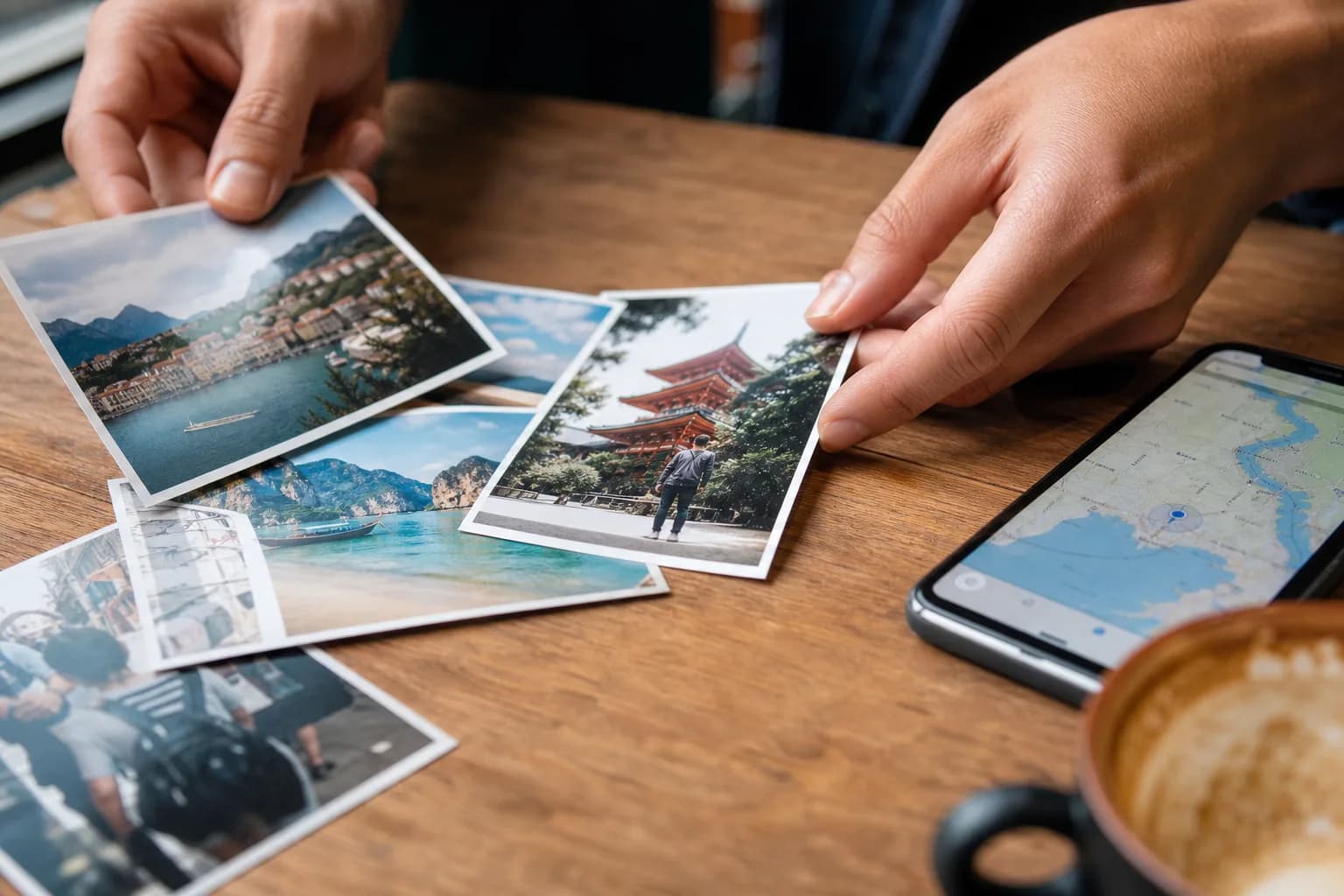
Drop photos, reorder them, and let Pairsteps suggest a short scrapbook title and note from place and EXIF. Warm, light, and honest.

04
Replay the route
Browse the map and feed, then launch cinematic narration when you want the captions read aloud together.
Quick answers
What is Pairsteps?
- A private couple map for pinning the little moments you still smile about, then replaying them together.
Is Pairsteps only for couples?
- Yes. Two people, one shared space. Not a public social network.
How does photo autofill work?
- If a photo has EXIF data, Pairsteps can read date, time, and place. Notes stay grounded in known facts, with a light scrapbook tone. No made-up fairy tales.
Can I try cinematic before inviting my partner?
- Yes. While you wait, cinematic preview plays the first three steps. Invite them to unlock the full journey.
Do I need an account password?
- No. Magic link to your email.
Is Pairsteps free?
- Free for couples to start. Private by default.
How is Pairsteps different from Polarsteps?
- Polarsteps leans solo travel journaling. Pairsteps is for two: meeting-day origin, partner invite, and replaying shared anecdotes together.
Where can I download Pairsteps?
- Download Pairsteps on the App Store (https://apps.apple.com/us/app/pairsteps/id6798350166) or Google Play (https://play.google.com/store/apps/details?id=com.pairsteps.app). The web app is at https://app.pairsteps.com.